

Filters
Apply one or more available demographic filters in the analysis view. Keep the unfiltered result as a reference and avoid stacking filters until only a very small group remains.Heatmap
The heatmap compares results across demographic groups and questions or categories. Look for patterns that repeat across related measures, not isolated color differences.Comments
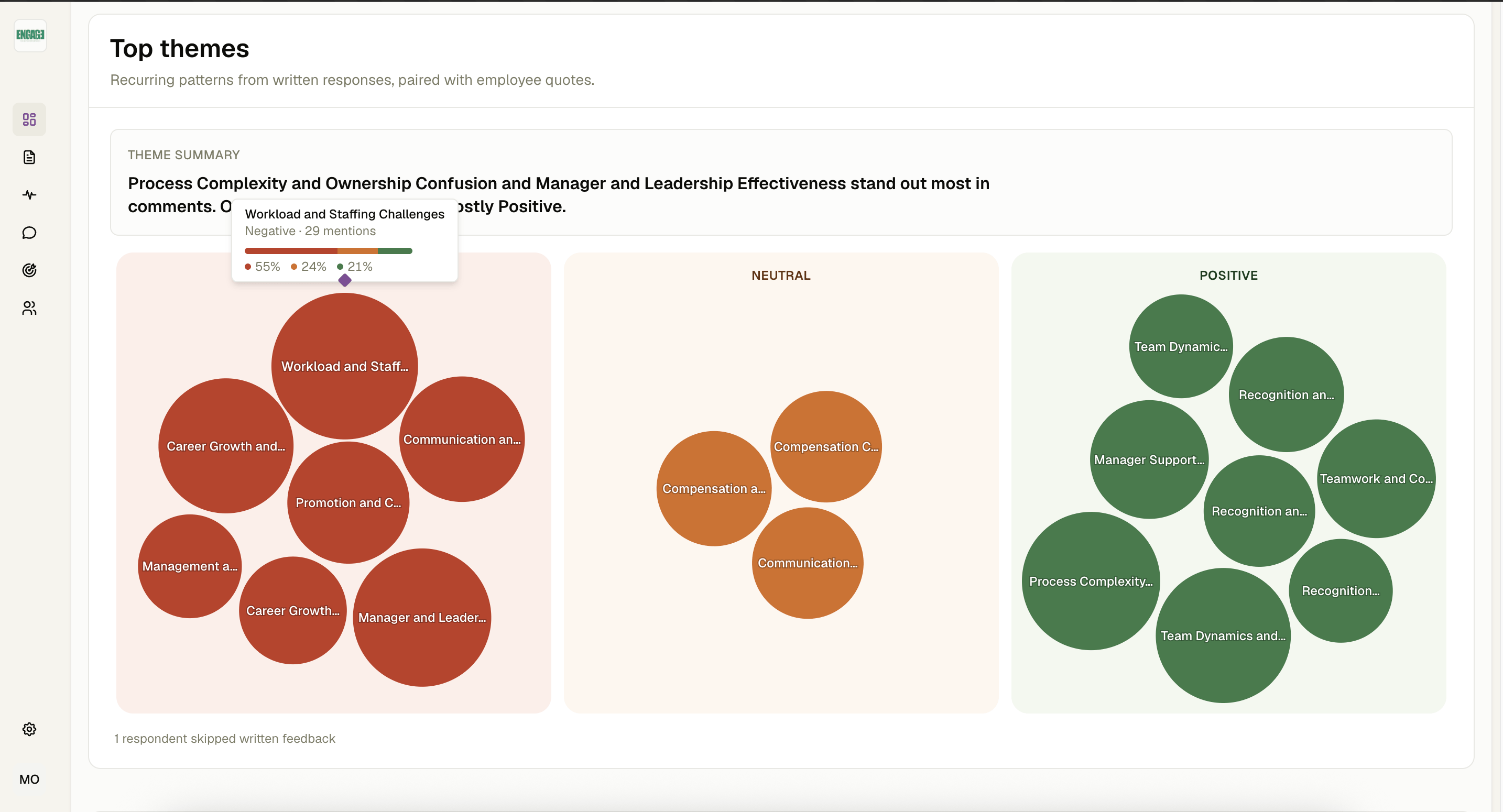
The comments tab brings together open-text feedback. Use sentiment and themes as navigation aids, then read representative comments before summarizing the issue.AI executive summary
Culture Vibe can stream a comments summary for an authorized survey owner. Review the generated text for nuance, outliers, and unsupported certainty before sharing it.Export options
Use the analysis export when you need a structured workbook for deeper review or an approved reporting workflow. You can export the results as an Excel, CSV, or PDF file.PDF Report is currently in English only
Why isn't the heatmap cell showing data?
Why isn't the heatmap cell showing data?
The group may be below the anonymity threshold or may not have a valid answer for that measure.
Does sentiment label every comment perfectly?
Does sentiment label every comment perfectly?
No. Sentiment is an AI-assisted classification. Read the underlying comment and consider context.
Why do filtered totals differ?
Why do filtered totals differ?
Filters change the eligible response set, and some questions may have been skipped.